Newly diagnosed
Keep appointment details, questions and your own notes together as you begin organising information.
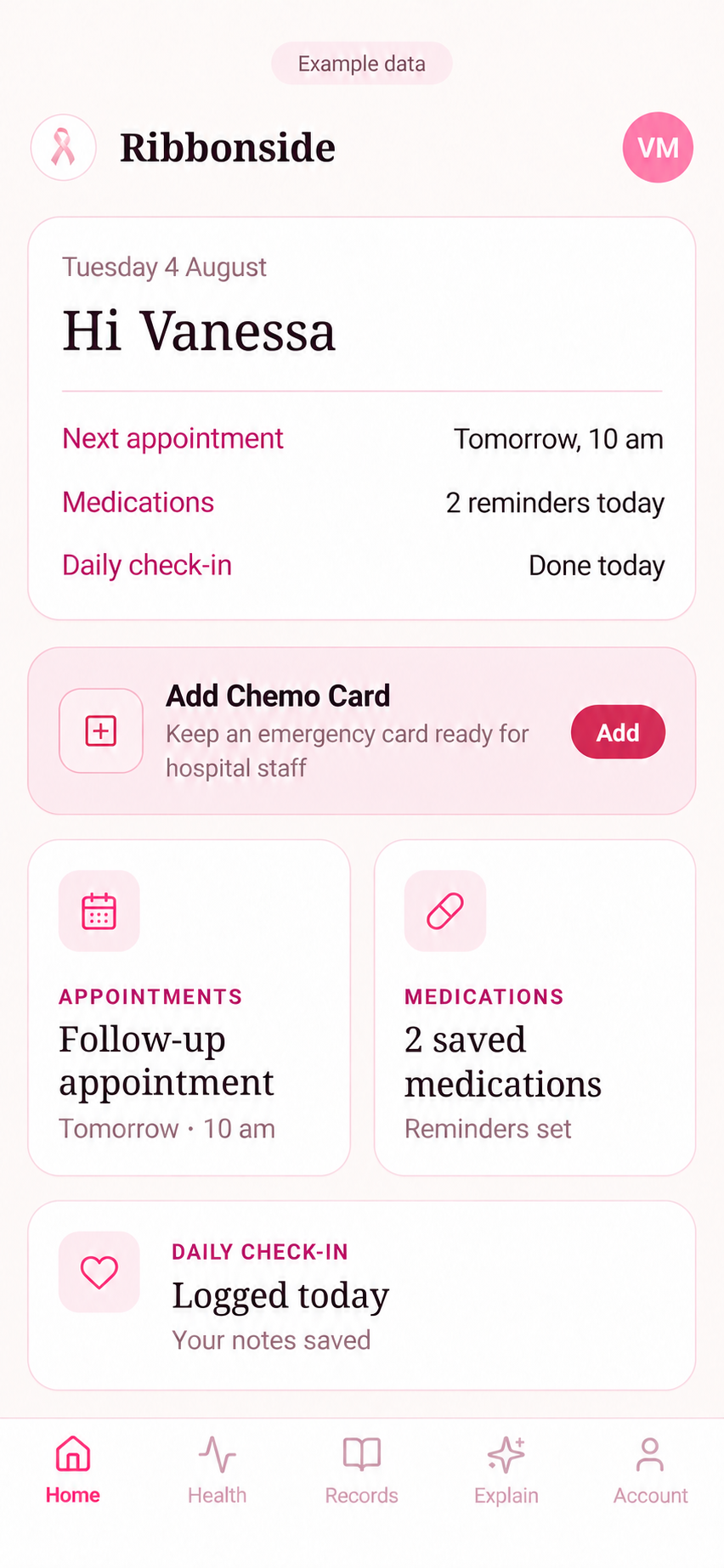
A private phone organiser for appointments, medications, questions, photos, documents and treatment information that is too important to lose.
Available on iPhone and Android. Paid subscription.

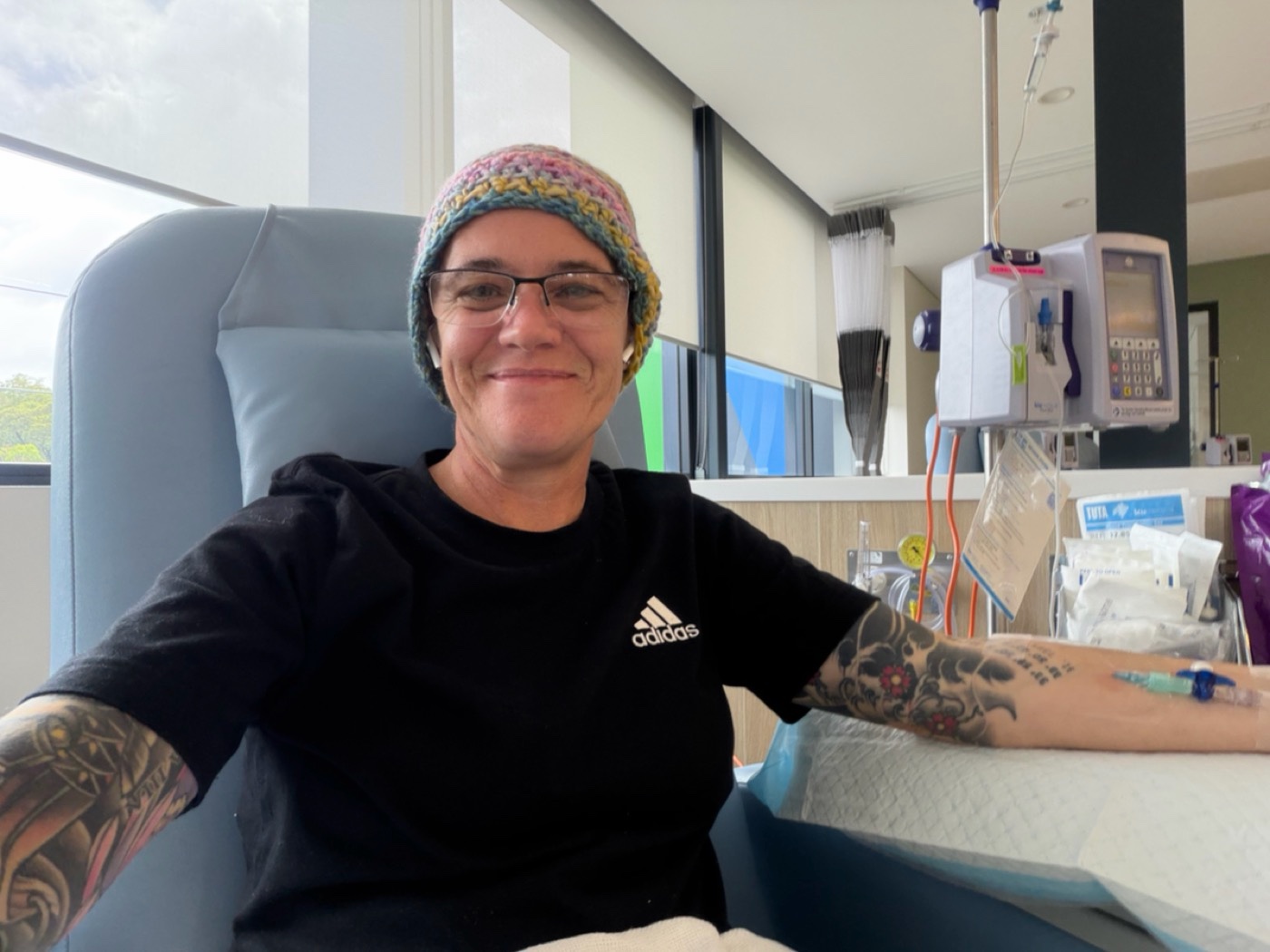
Built from lived experience. Vanessa was diagnosed with breast cancer in September 2025, and the idea for Ribbonside began during chemotherapy. Read her full story.
Who it’s for
For people managing the practical side of breast cancer, from appointments and treatment to recovery and follow-ups.
Keep appointment details, questions and your own notes together as you begin organising information.
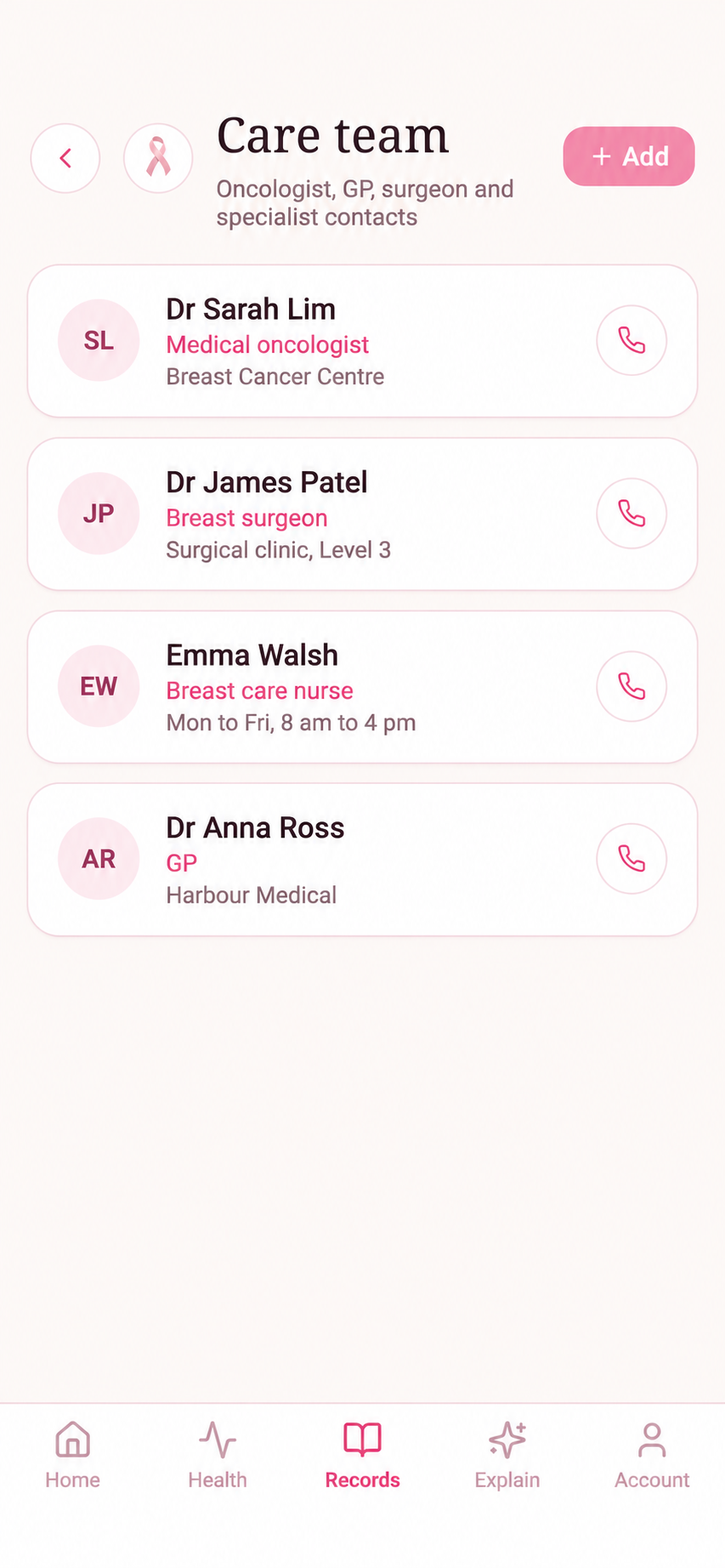
Organise appointments, medication reminders, treatment details and care team contacts.
Keep recovery notes, photos, documents and follow-up appointments in one place.
How it works
Choose your app store and review the subscription terms before purchase.
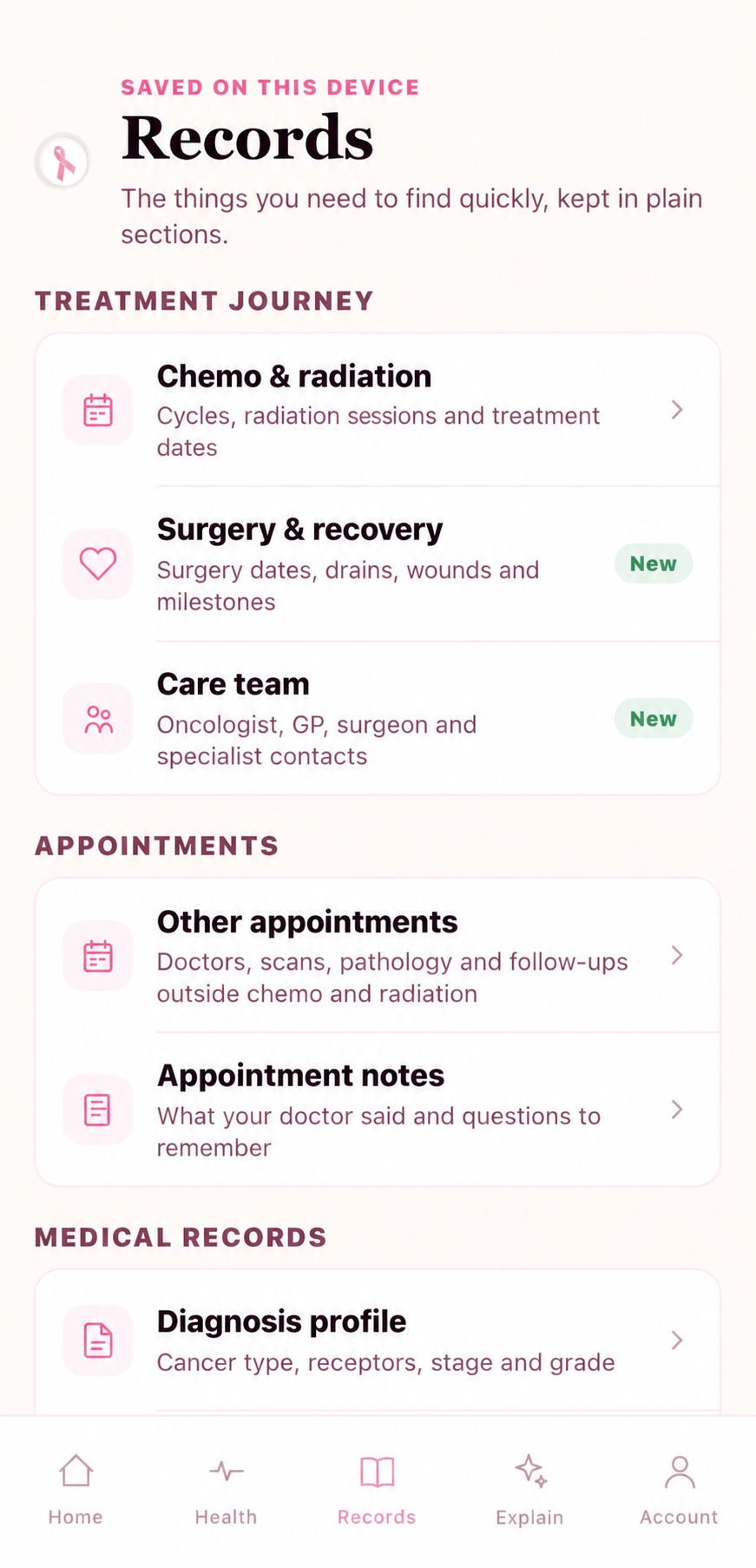
Save appointments, questions, medications and the records you want close by.
Find your questions and notes together when you need them.
Before appointments
Keep the things you want to ask, remember or find before the next visit in one calm place.
Day to day
Open Ribbonside and see the practical things that need your attention, without searching across notes, emails and screenshots.
Your records
Ribbonside is a private organiser for patient-entered records, treatment and recovery details. It is not a clinical record or medical advice.
My Story
I was diagnosed with breast cancer in September 2025. After that came two surgeries, chemotherapy, radiation and now hormone blockers.
What I struggled with most was the amount of information I had to take in. There were protocols to follow, medication times to remember, appointments to prepare for, care team details to keep track of, questions to ask, and the constant anxiety that I would forget something important.
Chemo brain and fatigue made it harder. I was scribbling things everywhere. My camera roll, which used to be full of family photos, quickly became photos of healing issues, treatment issues and appointment reminders.
The idea for Ribbonside started during chemotherapy. In May 2026, with no technical background, I began learning to build it and have funded it myself the whole way because I wanted a practical organiser for people going through this.
FAQ
The short version of how Ribbonside works today.
Ribbonside is available for iPhone through the App Store and Android through Google Play.
Core health records, photos and documents are normally kept in the encrypted local vault on your device.
No. It is a private organiser for your own information and does not replace your care team.
Ribbonside is a subscription service. Your app store shows the price before purchase and manages cancellation or refunds.
Signing in on another phone does not restore your health records. Before replacing or resetting your phone, create a backup in Account → Backup & Restore and save it somewhere private. Without your own valid saved backup, Ribbonside cannot recover the vault. Read the backup and restore guide.
What does this mean? provides general plain-English information using AI. It is not personalised medical advice. Read what is sent and how it is handled in the Privacy Policy.
Paid subscription. Review the price and billing terms in your app store.
Core health records, photos and documents are normally stored in Ribbonside's encrypted local vault on your device. Ribbonside does not create automatic cloud backups. A readable backup ZIP leaves the vault only when you choose to create and save it.
What does this mean? is limited to short typed questions and general explanations. It is not personalised medical advice.
Create or restore a backup, delete local records, export your data, manage subscriptions through your app store, and revoke Apple Health access on iPhone.
For app support, privacy, subscriptions or general Ribbonside questions.
support@ribbonside.com.au
Facebook & Instagram
Follow Ribbonside.
News, product updates and practical information from Ribbonside.
Facebook
RibbonsideFollow the official Ribbonside Facebook page.
Visit FacebookInstagram
@ribbonsideFollow Ribbonside on Instagram.
Visit Instagram